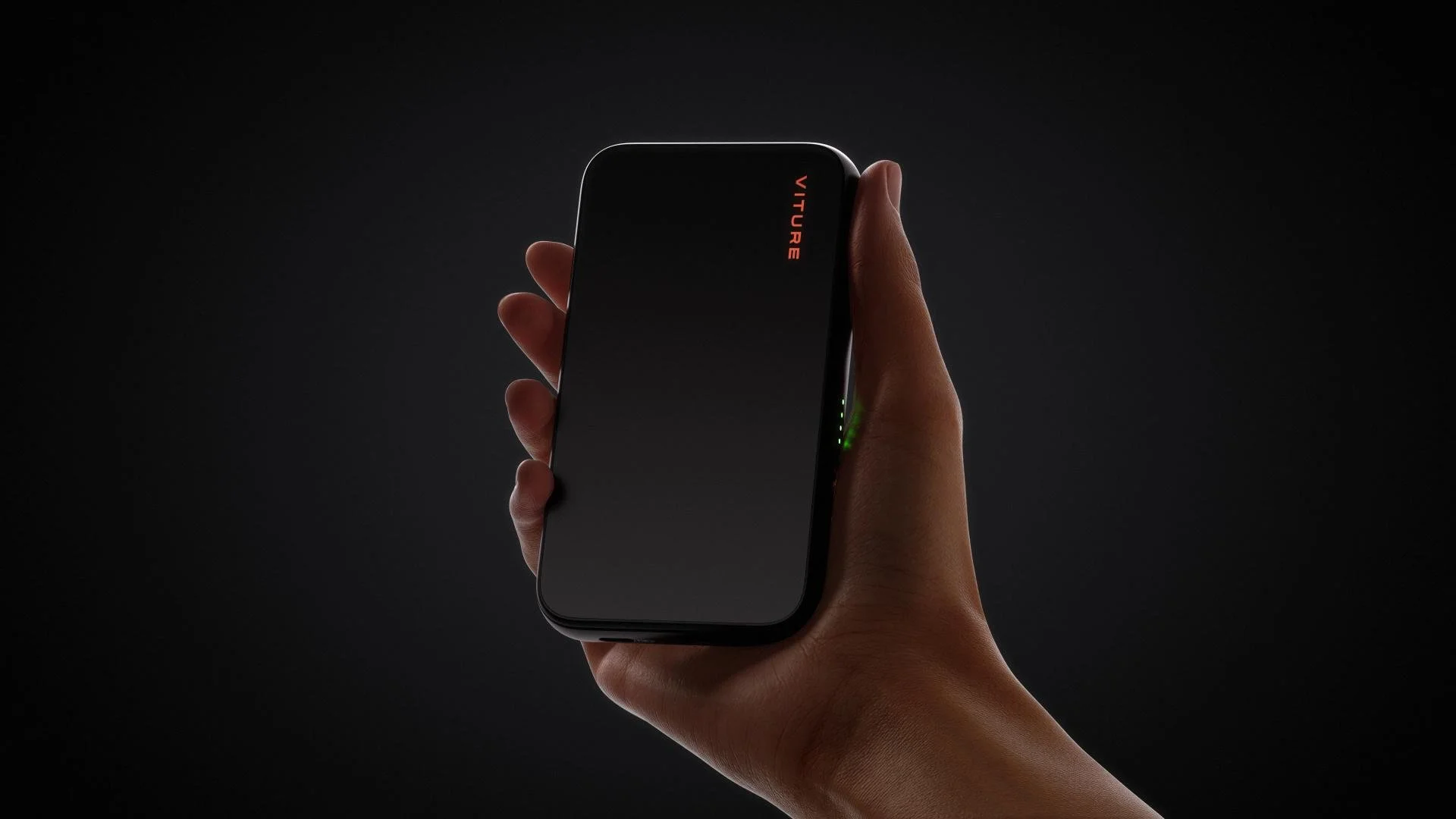
One of my favorite products over the past year have been the XR Beast glasses. Being able to bring my Nintendo Switch 2 to work or on the go and play on a massive screen in front of my eyes, has been a game changer on how I take a look at the handheld nature of the product. However, part of that reason was the Pro Mobile Dock that made it all possible. And while the new Mobile Dock Mini does make that process easier, due to its trimmed down size and weight of the product, it does lack one option that makes my use for it at home a very different experience than its predecessor.
So, let’s get my one major criticism out of the way. The Viture Pro Mobile Dock is an all-in-one device that allows the glasses to get the power needed to work, as well as powering the Switch 2 to make it all possible. But, what about my other devices? My PS5 and Series X, for example. Well, with a built in HDMI port, it was as easy as plugging them in and seeing the glasses bring up those consoles on the lenses. However, with the Moble Dock Mini, that HDMI port is gone.
Honestly, it’s my only gripe here with the product, that while doesn’t really affect me in my day to day use of it, still makes me wish the Mobile Dock Mini had still kept this port as I still do find myself using the older dock to plug in my Xbox Series X for a few rounds of Marvel Rivals, largely since the screen quality on the glasses are better than my 3D HDR LG TV. I’ll also stress that while the original dock allowed output for 2 XR glasses at once, the new Mobile Dock Mini only outputs one set of them, which wasn’t something I was using anyway.
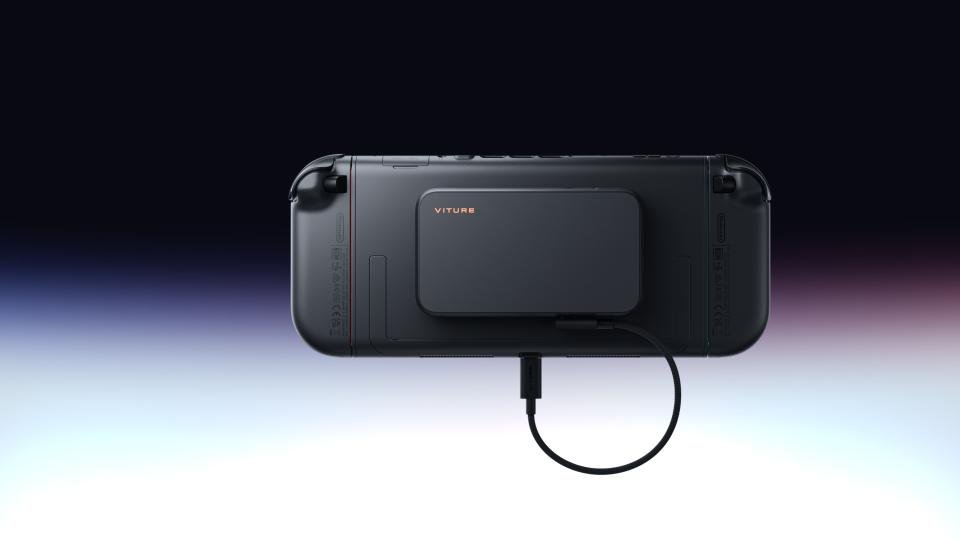
The Mobile Dock Mini is certainly designed with the Switch 2 in mind. It is 34% smaller and 30% lighter, and the magnetic plate they offer makes it easy to attach to the console and even easier to equip the dock to it. That said, I really wish they sold this plate on its own, given that at some point I may track down one of those Zelda Switch 2’s and then not be able to transfer the plate from one console to the next. Regardless, the fact the plate still allows the console to rest in the Switch dock is impressive, given the thin space already given to the console.
With the Mobile Dock Mini being much smaller, it also contains less charge. The original Pro Mobile Dock is 10,000mAh, with the new Mobile Dock Mini seeing a drop of 3,000mAh. This presented me with around 5-6 hours of play, but it did depend on the game I was playing. Since I only need my Switch 2 to work for around an hour a day at work, this drop in playable time didn’t impact me at all. Still, it is worth pointing out that those wanting longer playtime out of the Mobile Dock Mini compared to the Pro Mobile Dock won’t see it here.
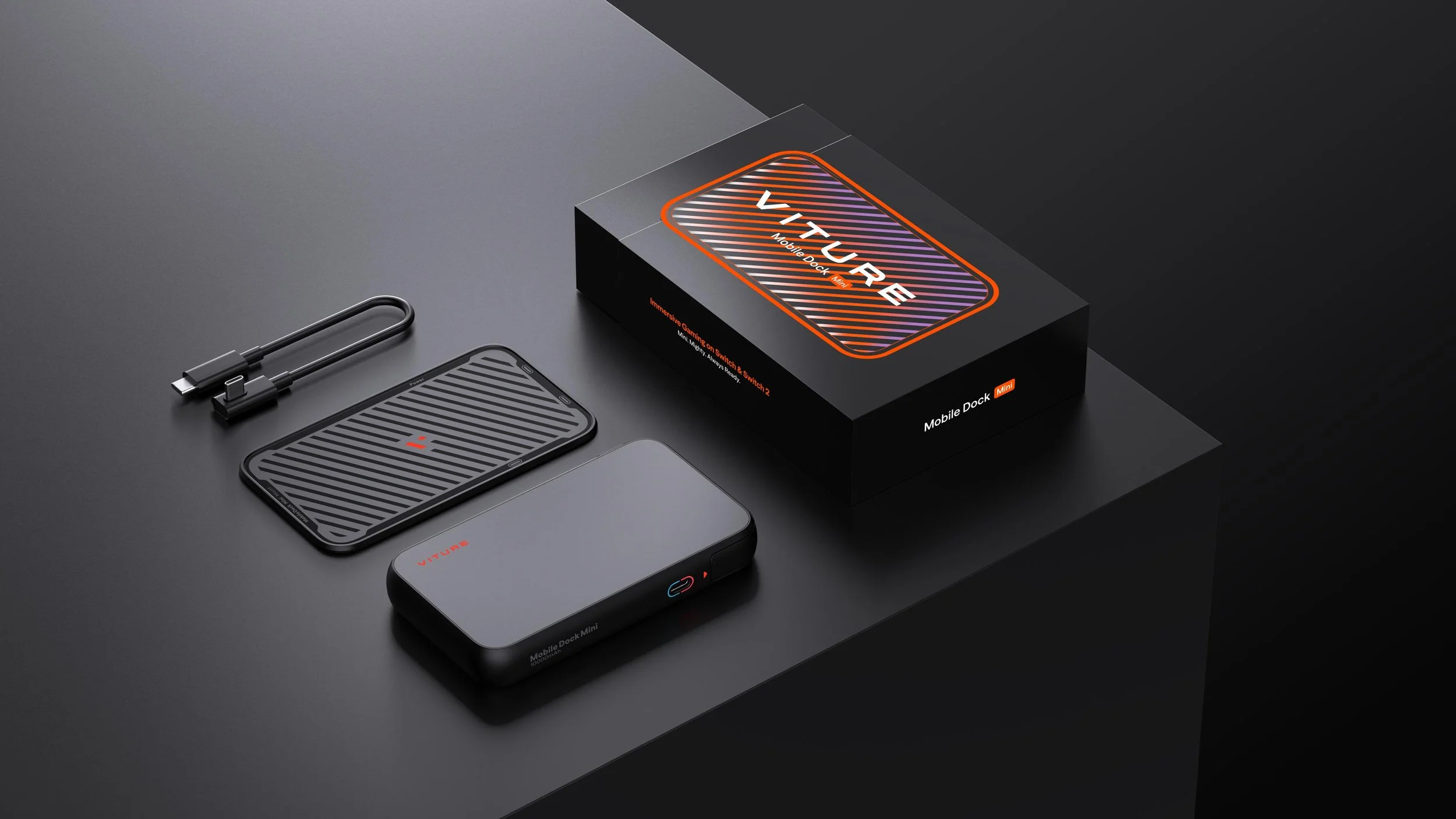
The Mobile Dock Mini retails for $99 USD which is normally $30 cheaper than the Pro Mobile Dock model, but a current sale has them at the same price at the time of this review. Still, let’s see what that gets you. You get the Mobile Dock Mini, an angled USB-C cable, as well as the quick start guide and instruction booklet for how to operate and use the device. You also get the magnetic plate for your handheld device, whether it is the Switch or Switch 2, or even other handheld devices that output video. Lastly, you get a measuring template for lining up the plate perfectly on the back of your Switch 2. And it is worth noting that Viture says that getting it perfect on the first try is crucial, given the plate isn’t meant to be corrected after applying it.
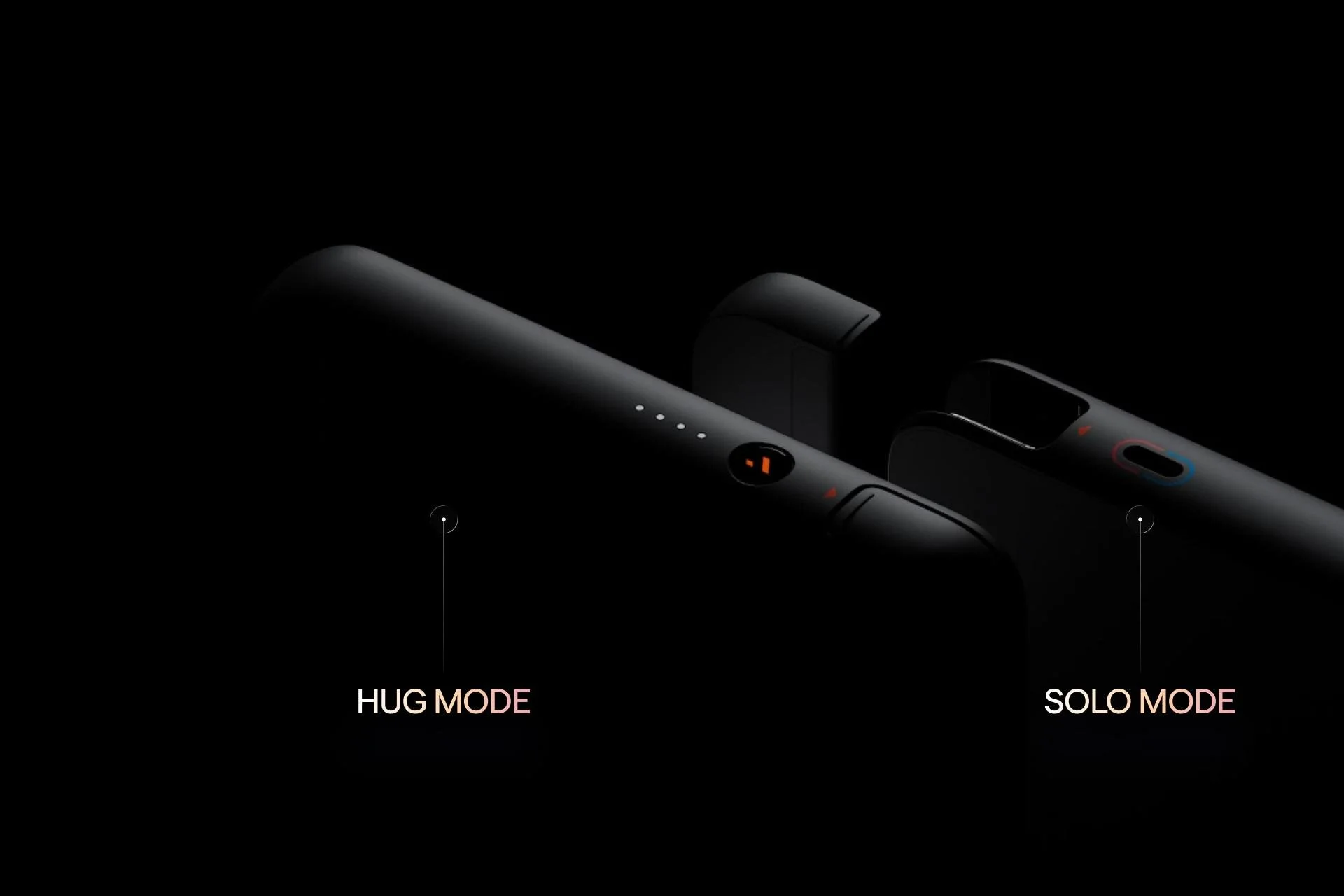
While the Mobile Dock Mini is meant to be used with detached controllers or a Pro Controller, I do wish the Switch 2, with the Mobile Dock Mini equipped, could be played with the Joycons still attached. However, that is more of a Nintendo issue than a Viture issue, but it is something to point out. The previous Pro Mobile Dock did have a clip that attached it, but it prevented the Switch 2 from being able to use its kickstand, while the Mobile Dock Mini plate doesn’t prevent that at all. It’s extremely slick.
The glasses support the Switch 2 in almost every aspect except for one newer feature the Switch 2 provides. The dock still only supports 60hz, which rules out the 120hz play through the few titles that support it. Nintendo also released a VRR patch for docked play, which was previously a handheld feature. Sadly, no pair of Viture glasses support this nor the Mobile Dock Mini.
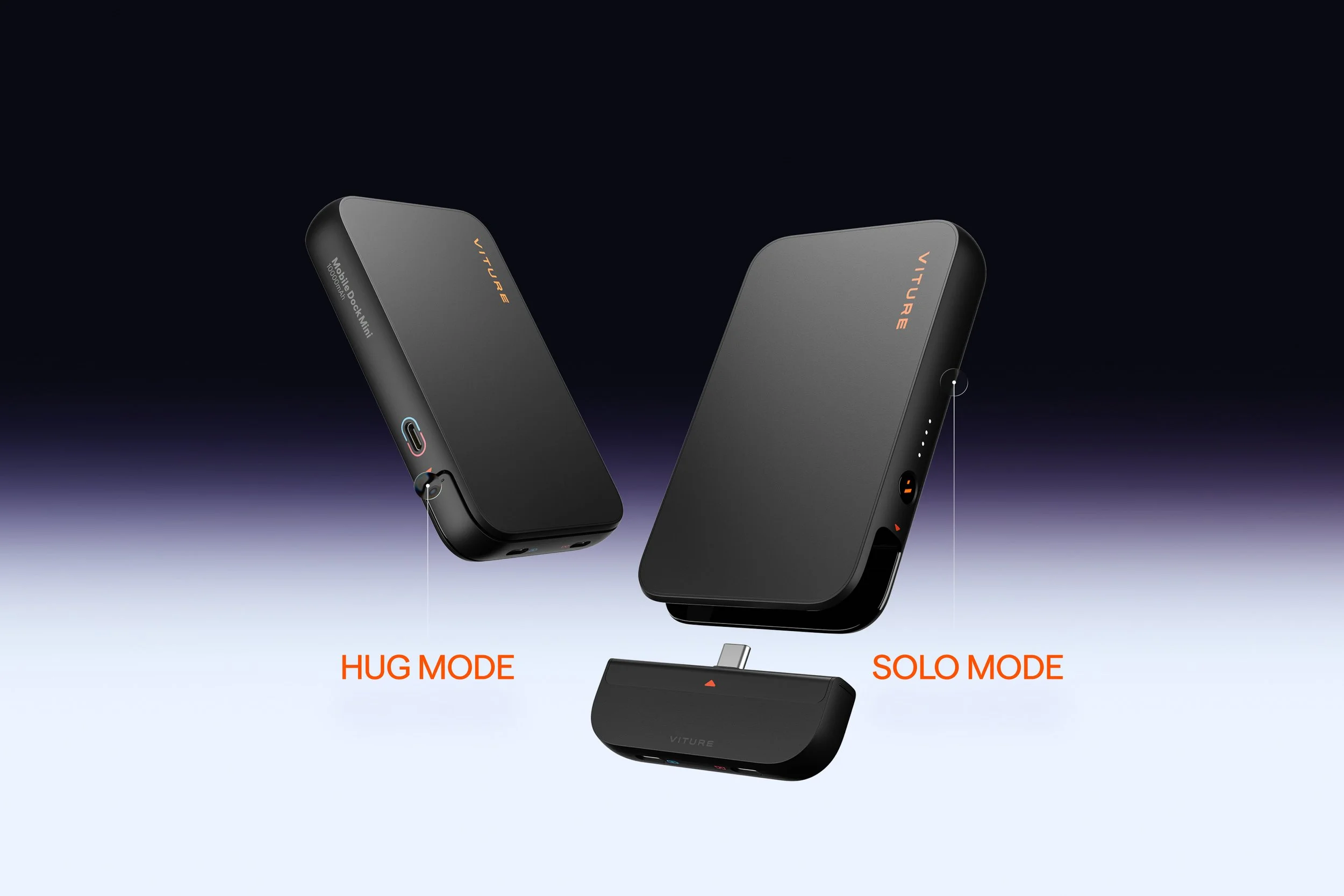
The Mobile Dock Mini also has a detachable component that allows you to attach it to your phone. And, if you cable it just right, it can also be used for the Switch 2 as well, without equipping it to the plate. This makes the Mobile Dock Mini extremely versatile, regardless of the portable device you are using.
While I certainly miss the HDMI port, the Mobile Dock Mini is a huge improvement over portability of the Pro Mobile Dock and how it attaches to the Switch 2. While I would have preferred a more slimmed down clip to the console over a one-and-done adhesive solution, I still find the whole application to be slick and sleek, especially as its credit-card thin format still allows the console to be docked. The Mobile Dock Mini is a fantastic addition to the Viture family, and I can only imagine the next series of docks being even more impressive down the road.